Best AI Agents in 2026: Named Software & Platform Guide
Compare top AI agents in 2026 across continuous execution, web research, reasoning, code editing, and meeting intelligence with clear criteria.
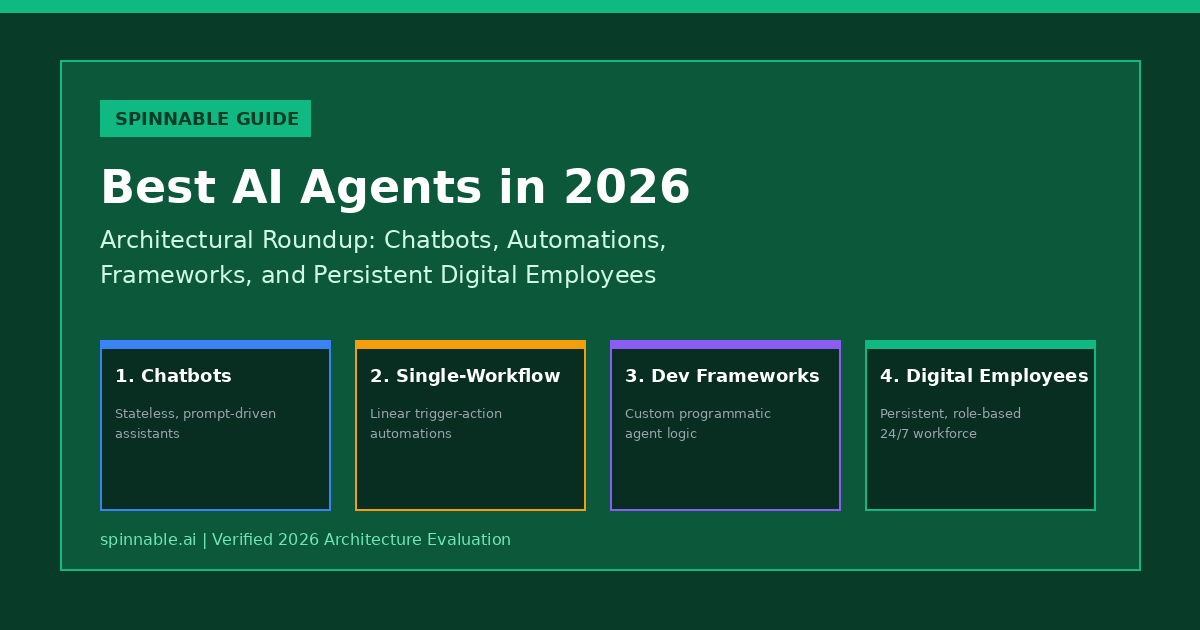
Evaluating the best AI agents in 2026 requires looking beyond general conversational chat interfaces to assess tools with specialized execution capabilities. Modern AI agents span continuous business execution, web research, code editing, reasoning, and meeting intelligence. This buyer guide reviews five leading AI agents on practical execution depth, daily workflow integration, verified pricing models, and explicit non-fit scenarios.
TL;DR: Best AI Agents at a Glance
Selecting an AI agent depends on your core task requirements. Spinnable excels for continuous autonomous execution across business channels like Slack, WhatsApp, and CRM software. Perplexity Computer leads for web research and real-time knowledge synthesis, while Claude 3.5 Sonnet provides advanced reasoning, technical analysis, and desktop GUI interaction. Cursor is the top choice for AI-assisted code editing, and Granola specializes in automated meeting notes and context capture.
At a glance: Top AI agent comparison
The table below summarizes key focus areas, primary interfaces, and publicly verified pricing models for leading AI agents based on official documentation.
| AI Agent | Primary Capability Focus | Primary Operating Interface | Key Integration Options | Public Pricing Model |
|---|---|---|---|---|
| Spinnable | Continuous autonomous multi-channel worker execution | Slack, WhatsApp, Email, Web Dashboard | HubSpot, Salesforce, Gmail, custom webhooks | Role-based subscription tiers |
| Perplexity Computer | Deep web research, citation synthesis, and search | Web app, mobile apps, browser extensions | Web search APIs, document uploads | Free tier; Pro at $20/month |
| Claude 3.5 Sonnet | Advanced reasoning, coding, and desktop GUI interaction | Web app, API, Anthropic Desktop app | Computer Use API, custom code environments | Free tier; Pro at $20/month; Team at $25/user/month |
| Cursor | AI pair programming and code repository editing | Desktop IDE (VS Code fork) | GitHub, GitLab, local file system, terminal | Free tier; Pro at $20/month; Business at $40/user/month |
| Granola | Automated meeting note-taking and context synthesis | Desktop app (Mac / Windows) | Zoom, Google Meet, Microsoft Teams, Slack | Free tier; Business plans from $10/user/month |
Detailed AI agent reviews
1. Spinnable: Best for continuous autonomous execution across business channels
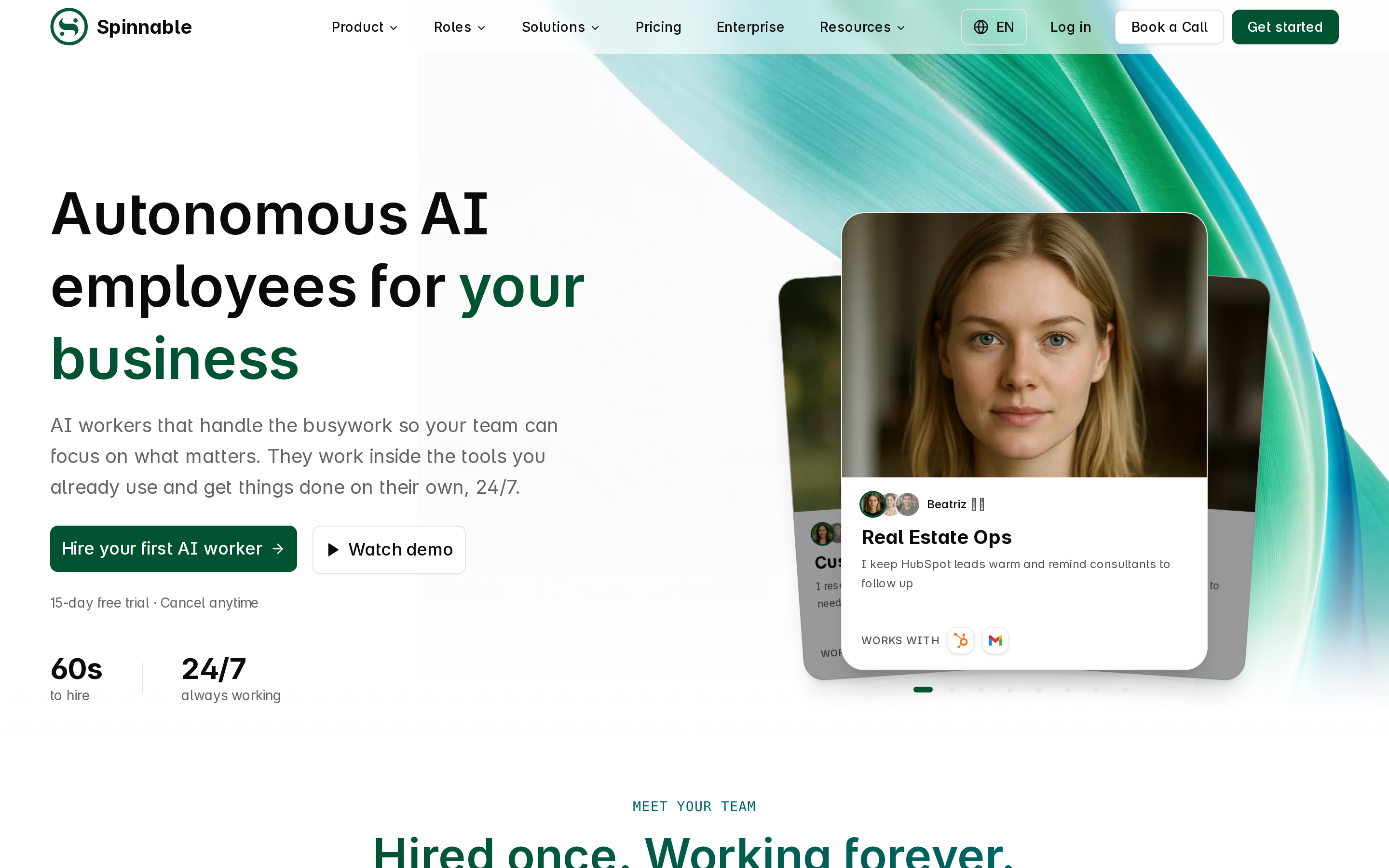
What it does: Spinnable operates as a continuous AI agent workforce platform that deploys specialized roles to handle customer conversations, lead follow-ups, and operational tasks across business channels like Slack, WhatsApp, and email.
Best for: Business teams needing persistent agents that manage ongoing multi-step communication workflows with human supervision controls.
Factual pros:
- Persistent context retention across ongoing user conversations and operational threads.
- Native integration into business messaging tools including Slack and WhatsApp.
- Human-in-the-loop approval gates for critical business actions.
Factual cons:
- Requires active enterprise subscription for multi-user business deployment.
- Custom deep CRM logic setup requires initial integration mapping.
Publicly verified pricing model: Role-based subscription plans scaled by active agent roles and operational volume; detailed packaging is available on Spinnable.ai.
Non-fit scenarios: Developers looking solely for a standalone command-line code editor or offline personal desktop utility.
2. Perplexity Computer: Best for deep web research and conversational intelligence
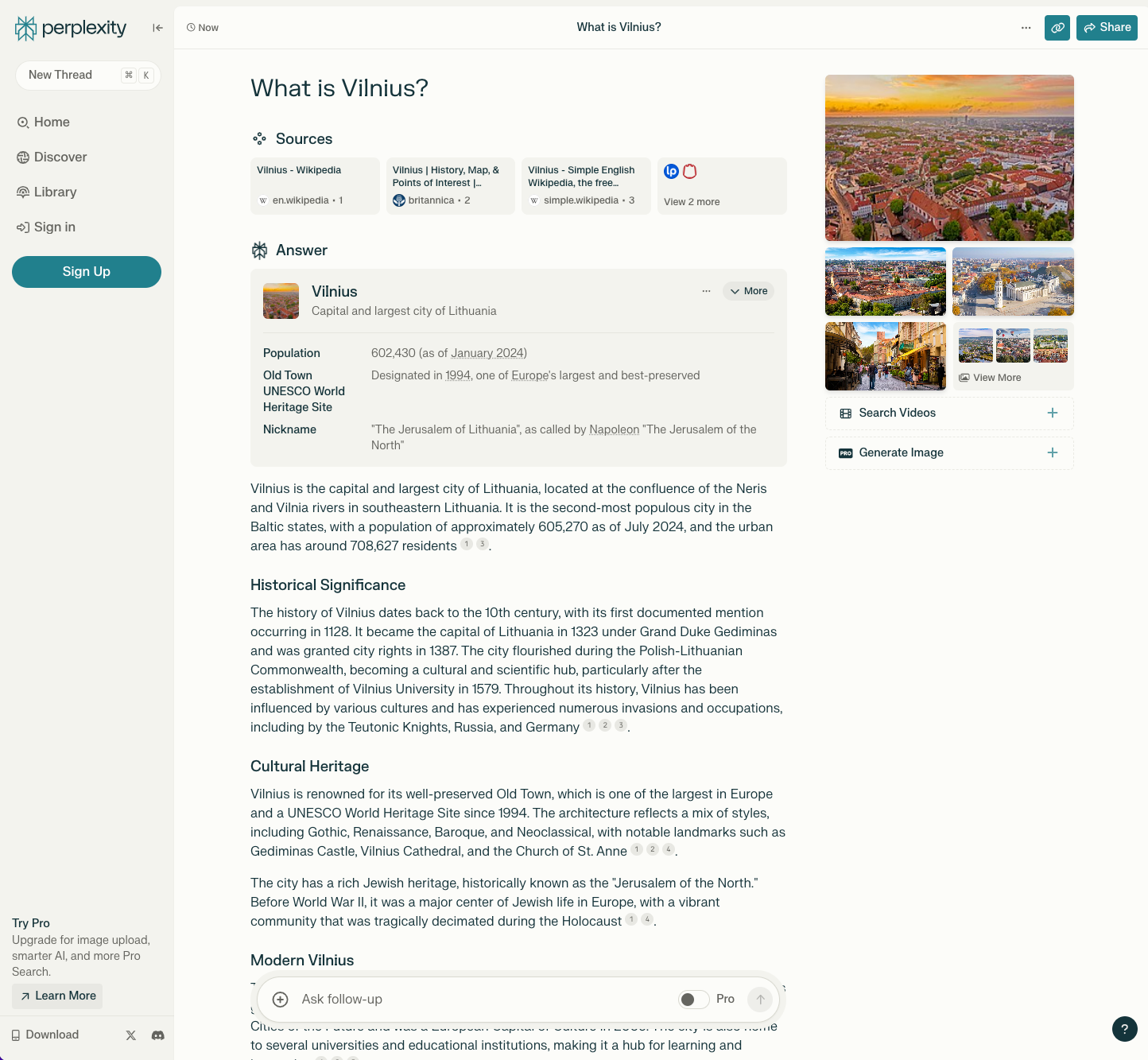
What it does: Perplexity operates as an AI research agent that queries web sources in real time, synthesizes answers, and provides inline citations for fact-checking.
Best for: Researchers, analysts, and knowledge workers needing cited web research and real-time news synthesis.
Factual pros:
- Direct inline citations linking back to original web sources.
- Multi-model selection options allowing users to switch between top LLM providers.
Factual cons:
- Not designed for executing backend operational actions or updating external CRMs directly.
- Free query tier restricts pro search frequency.
Publicly verified pricing model: Free basic access; Perplexity Pro is publicly priced at $20 per month or $200 per year.
Non-fit scenarios: Teams requiring autonomous messaging execution inside customer Slack or WhatsApp channels.
3. Claude 3.5 Sonnet: Best for complex reasoning, technical analysis, and desktop interface interaction
What it does: Claude (developed by Anthropic) provides advanced language model intelligence, multi-modal vision capabilities, complex code generation, and experimental Computer Use API capabilities for desktop automation.
Best for: Engineers, strategists, and writers requiring high-level reasoning, document synthesis, and technical problem-solving.
Factual pros:
- Strong performance on benchmark technical reasoning and code generation tasks.
- Large context window capacity for processing long technical documents.
Factual cons:
- Standalone web interface lacks pre-built native integrations into enterprise CRMs.
- Computer Use API features require custom developer engineering to deploy securely.
Publicly verified pricing model: Free web tier available; Pro tier is $20 per month; Team plan is $25 per user per month (minimum 5 seats).
Non-fit scenarios: Non-technical business operations teams needing turn-key, pre-configured role agents without software development.
4. Cursor: Best for AI-assisted code editing and developer pair programming
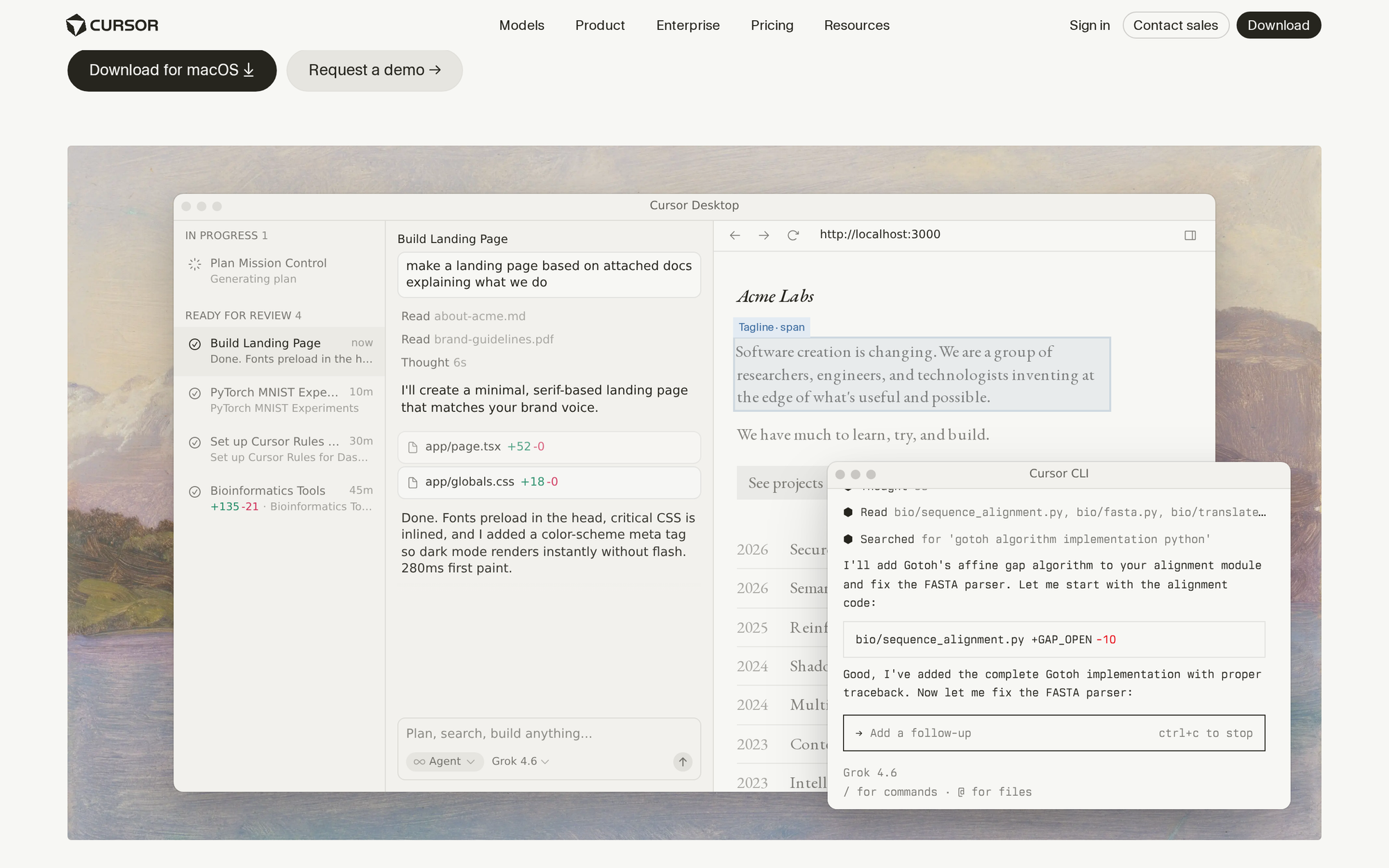
What it does: Cursor is an AI-native code editor (built as a fork of VS Code) that indexes local repositories to provide contextual code generation, refactoring, and bug fixing directly within the IDE.
Best for: Software engineers and development teams seeking an integrated AI pair programmer that understands full repository context.
Factual pros:
- Deep codebase indexing allowing context-aware edits across multi-file projects.
- Seamless transition for existing VS Code users with identical extension compatibility.
Factual cons:
- Restricted strictly to software development workflows.
- High usage of fast AI queries consumes premium monthly credits.
Publicly verified pricing model: Hobby tier free; Pro tier is $20 per month; Business tier is $40 per user per month.
Non-fit scenarios: Non-technical business users seeking sales, marketing, or customer service automation.
5. Granola: Best for automated meeting notes and conversational context capture
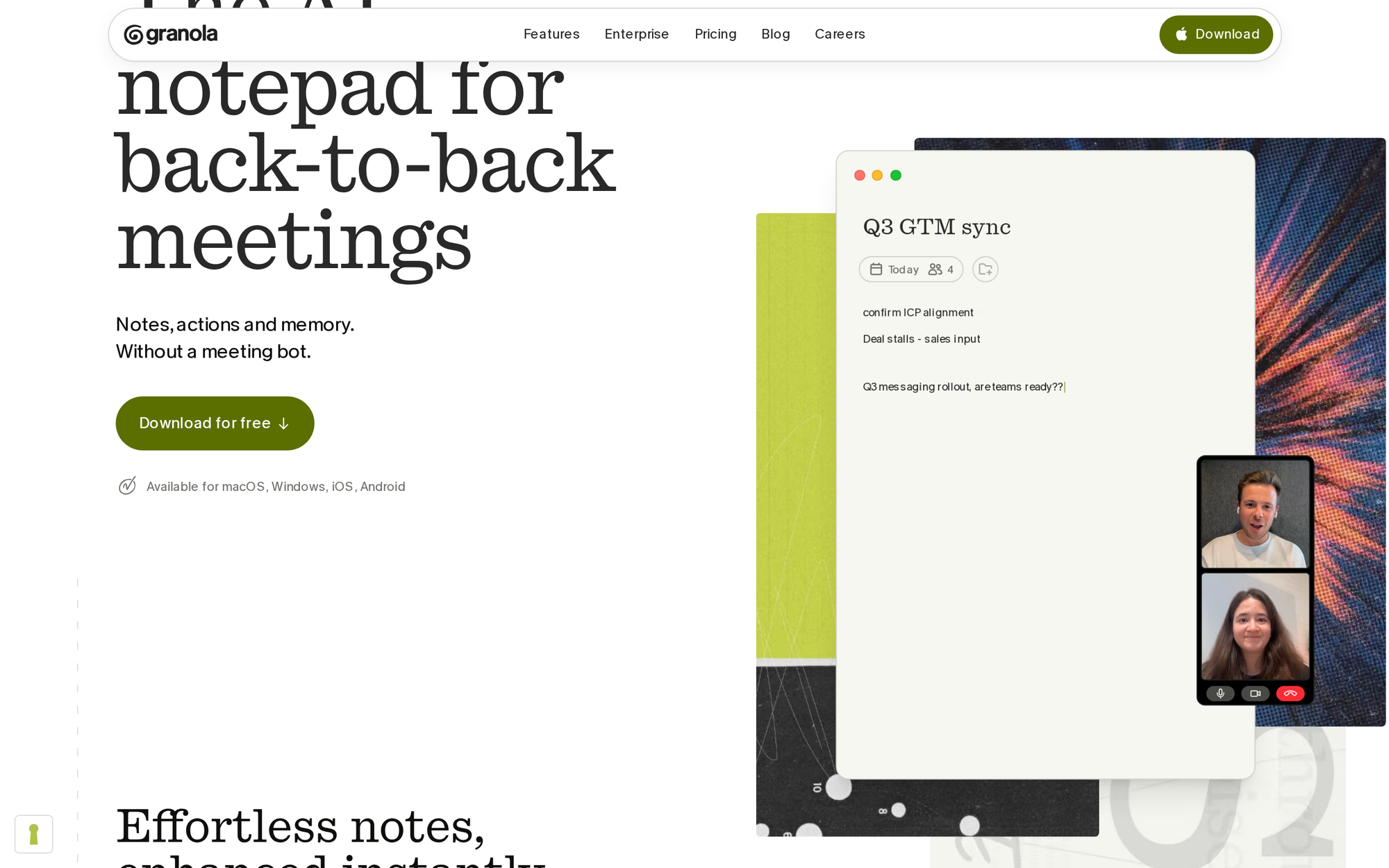
What it does: Granola runs as an intelligent notepad app that transcribes video calls, combines user notes with audio transcripts, and generates structured meeting summaries and action items.
Best for: Professionals, founders, and consultants who spend significant time in meetings and want customizable AI summaries.
Factual pros:
- Enhances user notes rather than generating rigid automated transcript dumps.
- Clean desktop experience with customizable summary templates.
Factual cons:
- Focus is limited to meeting intelligence and note generation.
- Does not execute autonomous post-meeting operational tasks in external software.
Publicly verified pricing model: Free tier includes initial meeting credits; Business tier is priced from $10 per user per month.
Non-fit scenarios: Organizations needing autonomous email outreach, ticket resolution, or multi-channel customer chat.
Choosing the right AI agent for your stack
Selecting an AI agent requires aligning specific software capabilities with team needs. For more details on multi-agent infrastructure and dedicated pre-built roles, review our buyer guides on AI agent platforms and best digital employees.
Frequently asked questions
Can I use multiple AI agents together in one business?
Yes. Many organizations combine research agents like Perplexity for discovery, coding agents like Cursor for software engineering, and continuous execution platforms like Spinnable for customer operations.
How do pricing models differ across AI agent tools?
Individual productivity agents typically charge flat monthly seat fees ($20/month), whereas developer platforms charge API usage or execution credits, and workforce platforms charge per deployed role seat.
Are AI agents secure for confidential company data?
Enterprise platforms provide SOC 2 compliance, data encryption, and zero-data-retention options for LLM API calls to ensure proprietary information remains private.
Hire continuous AI agents with Spinnable
Empower your team with managed AI agents built for continuous autonomous execution across your business messaging channels.